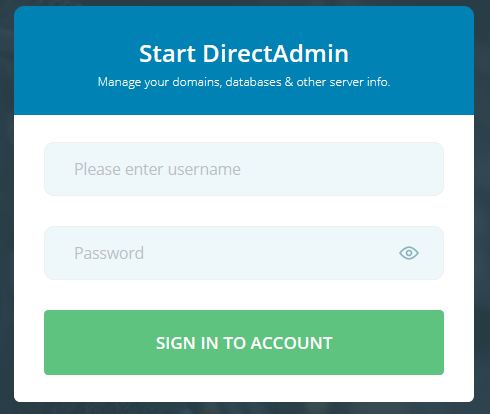
1. Login to your Admin Panel
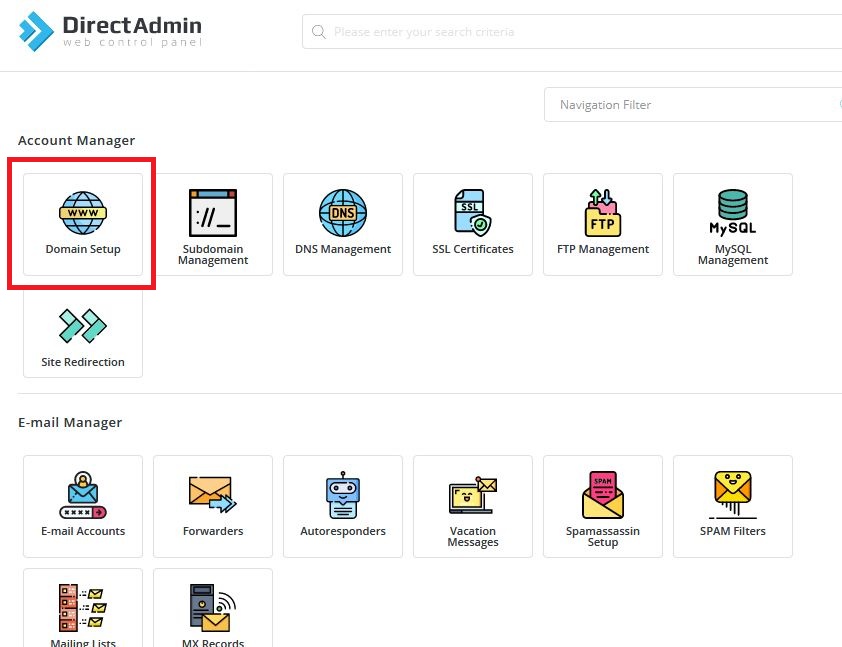
2. In "Account Manager" section click on "Domain Setup".
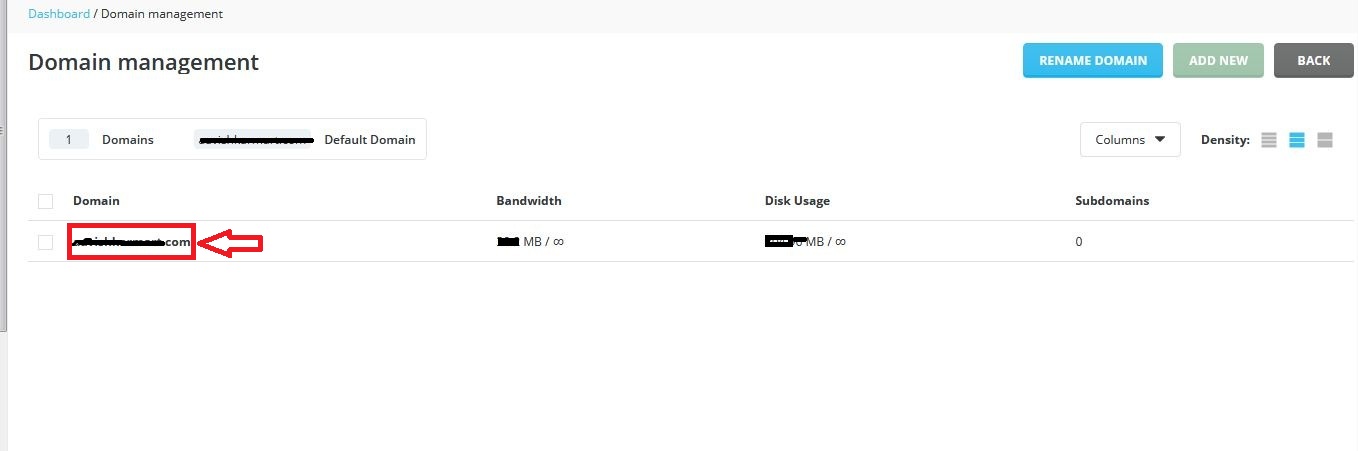
3. List of domains wil be shown. Now click on domain whose PHP version you want to change.
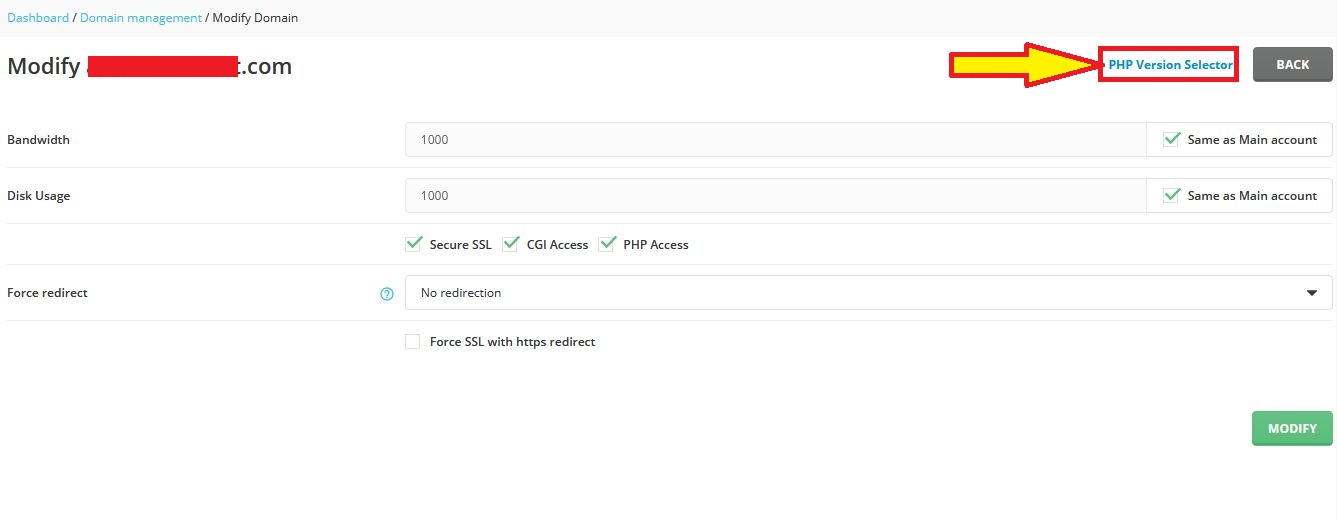
4. Now, Click on "PHP Version Selector".
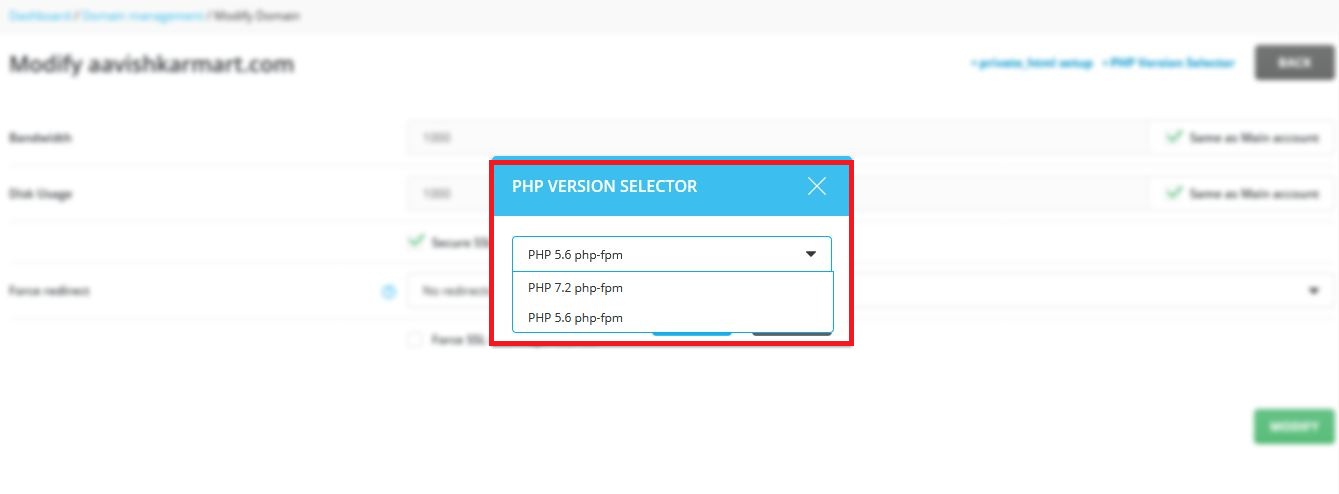
5. Select the PHP version you want from the Dropdown and click on SAVE. That's all you need.
2. In "Account Manager" section click on "Domain Setup".
3. List of domains wil be shown. Now click on domain whose PHP version you want to change.
4. Now, Click on "PHP Version Selector".
5. Select the PHP version you want from the Dropdown and click on SAVE. That's all you need.
Was this answer helpful?
Also Read
-
Add database in Directadmin user Open or Close
1. Login in your DirectAdmin User.2. In "Account Manager" section click on "MySQL Management"3.... Read More
-
How To add Package in DirectAdmin Open or Close
1. Login into your Reseller Panel 2. In "Account Manager" section click on "Manage User... Read More
-
How to login in phpmyadmin in Direct Admin Open or Close
1. Login in your User Panel2. In "Account Manager" Section, Click on MySQL Managment.3. Now, the... Read More
-
How to create Archive/zip in Direct Admin Open or Close
1. Login in your User Panel.2. In "System Info and Files" Section, Click on "File Manager".3.... Read More
-
How to reset the password of the user Open or Close
1) Login into your Reseller Account.2) Go to "Change Passwords" in "Account Manager" Section.3)... Read More



