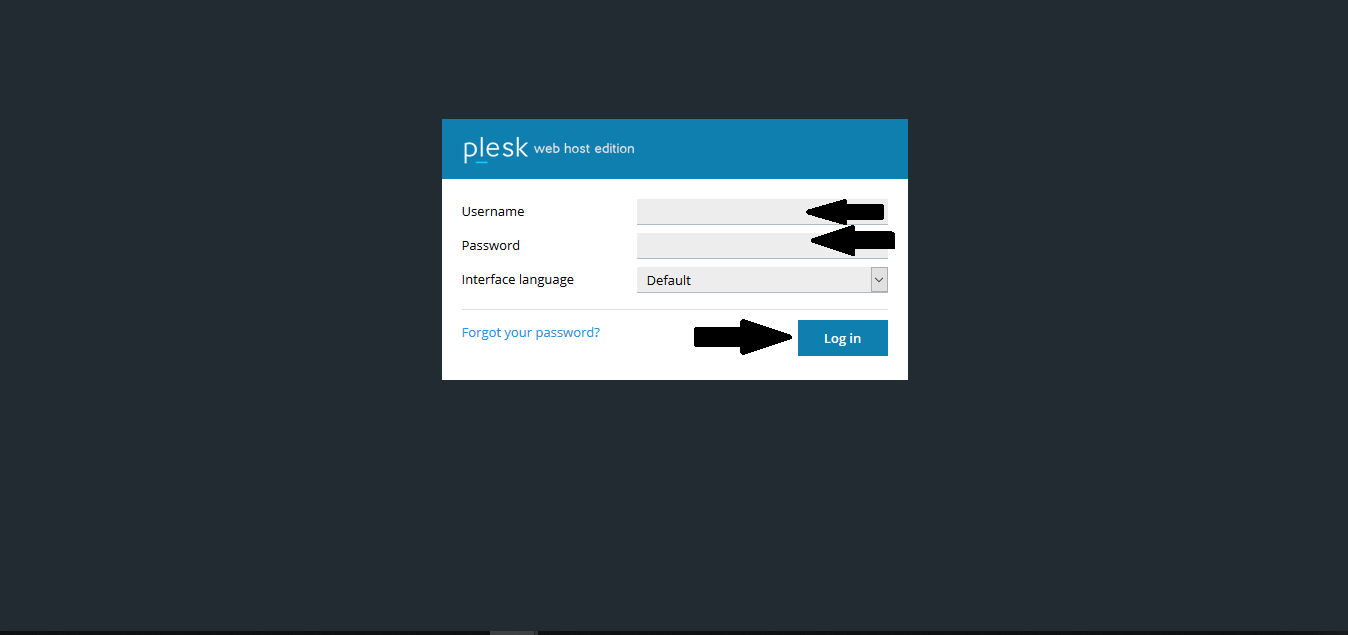
1. Login in to Plesk.
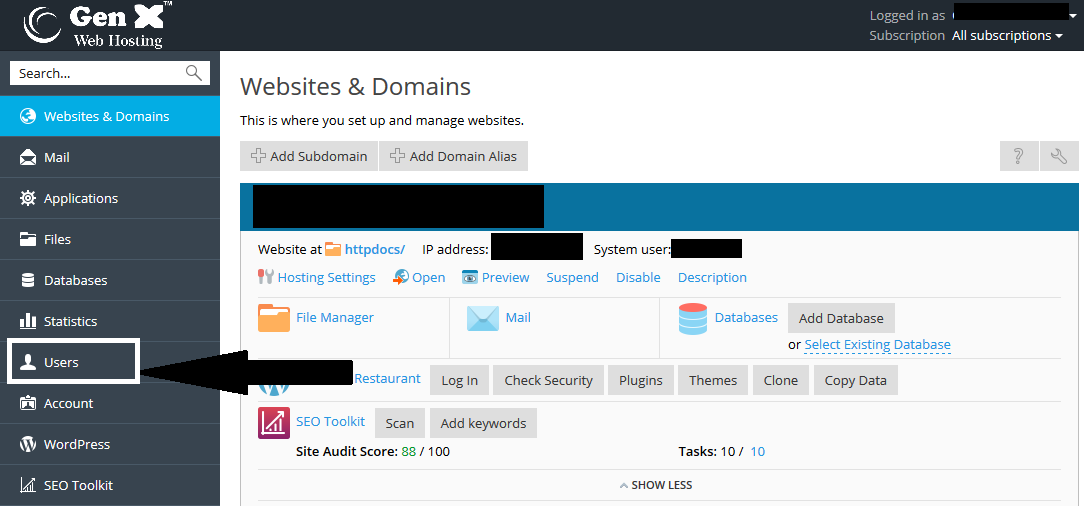
2. Click on Users.
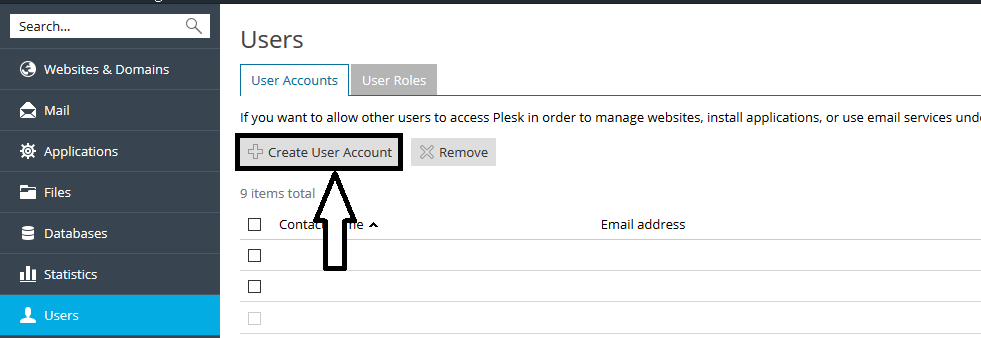
3. Click on Create User Account
4. Now fill the All informations & Allow users to access only a specified subscription.
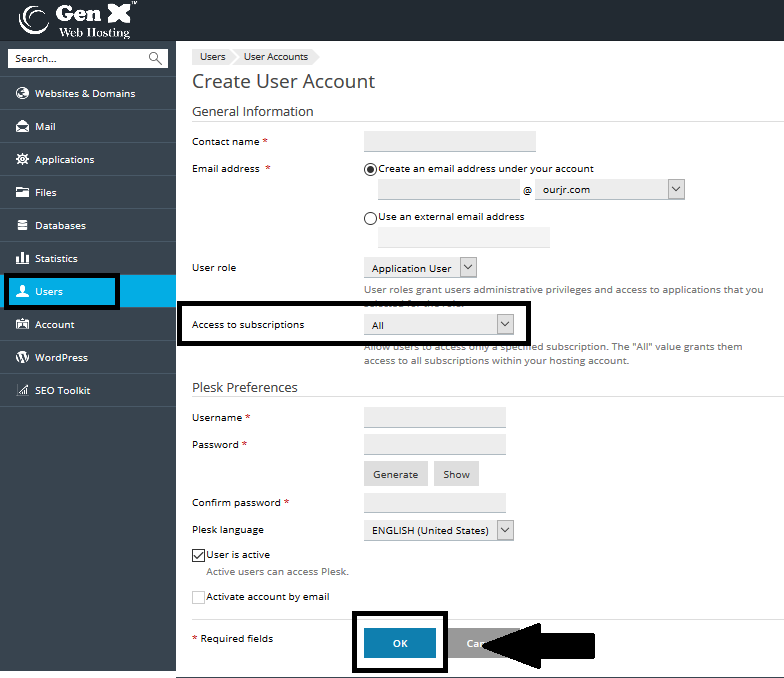
5. Now Click on "OK" to Add New User in Plesk.
Note: You can use URL to login http://example.com:8880 for (domain name example.com)
2. Click on Users.
3. Click on Create User Account
4. Now fill the All informations & Allow users to access only a specified subscription.
5. Now Click on "OK" to Add New User in Plesk.
Note: You can use URL to login http://example.com:8880 for (domain name example.com)
Was this answer helpful?
Also Read
-
How to create Service plans in plesk Open or Close
Service Plan defines the perticular set of Properties that will be assigned to the subscription... Read More
-
How to Add Domain Alias in Plesk Open or Close
Domain Aliases can be used to redirect traffic from one domain to another. This article shows the... Read More
-
How to know Reason of suspension of Subscription in Plesk Open or Close
1. Login to Plesk then >>Subscriptions >>click on Suspended Subscription. 2. Click... Read More
-
How to add Email forwarding in plesk Open or Close
1. Login to Plesk. 2. Click on Email addresses in your panel. 3. Select your email... Read More
-
How to Add DNS Records in Plesk Open or Close
1. Login to Plesk. 2. Click on DNS Settings in your Domain Panel. 3. Now click on Add... Read More



