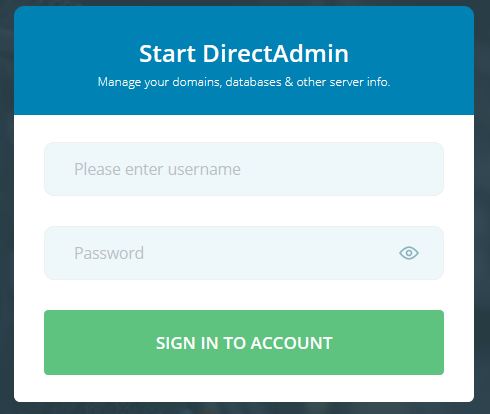
1. Login in your User Panel.
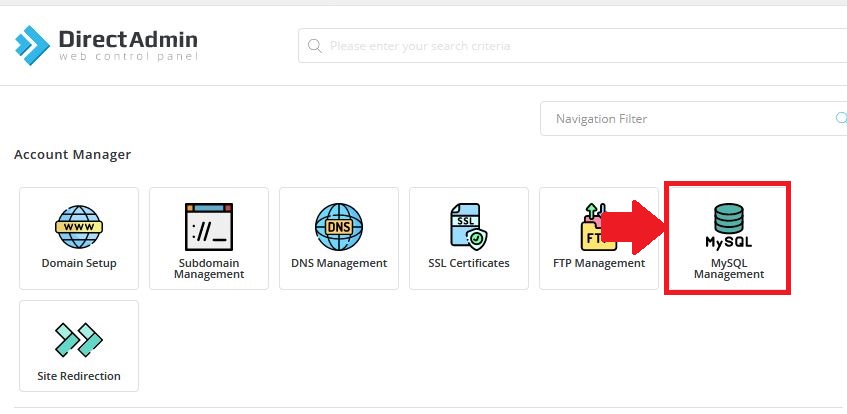
2. In "Account Manager" Section, Click on MySQL Management.
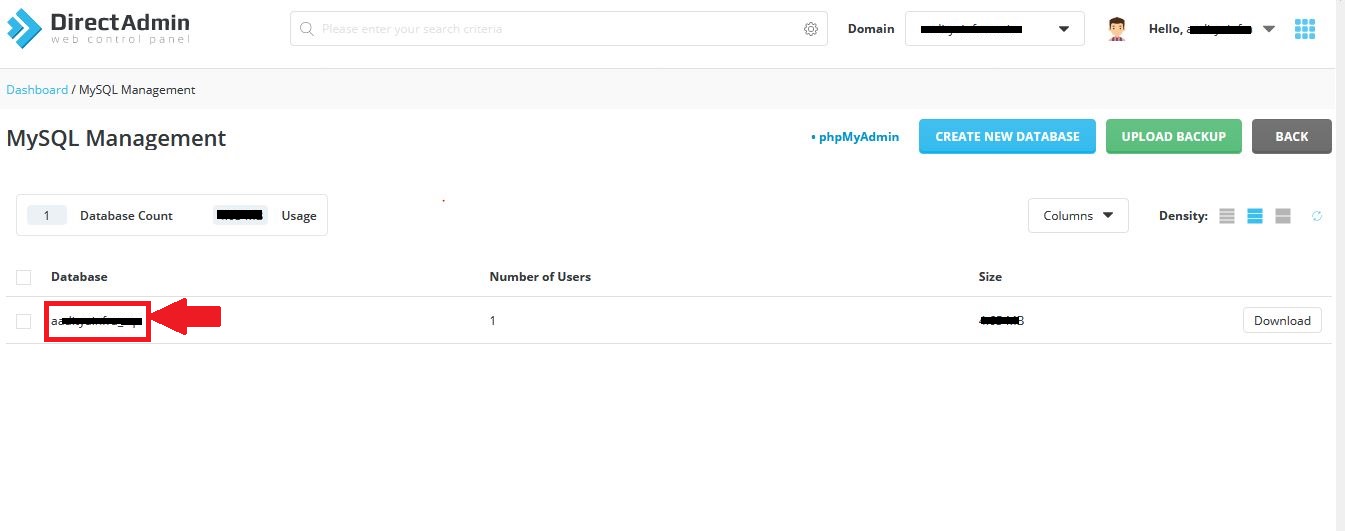
3. Now, the list of Database present in your control panel will be shown. Click on database name of which you want to change password as shown in below image.
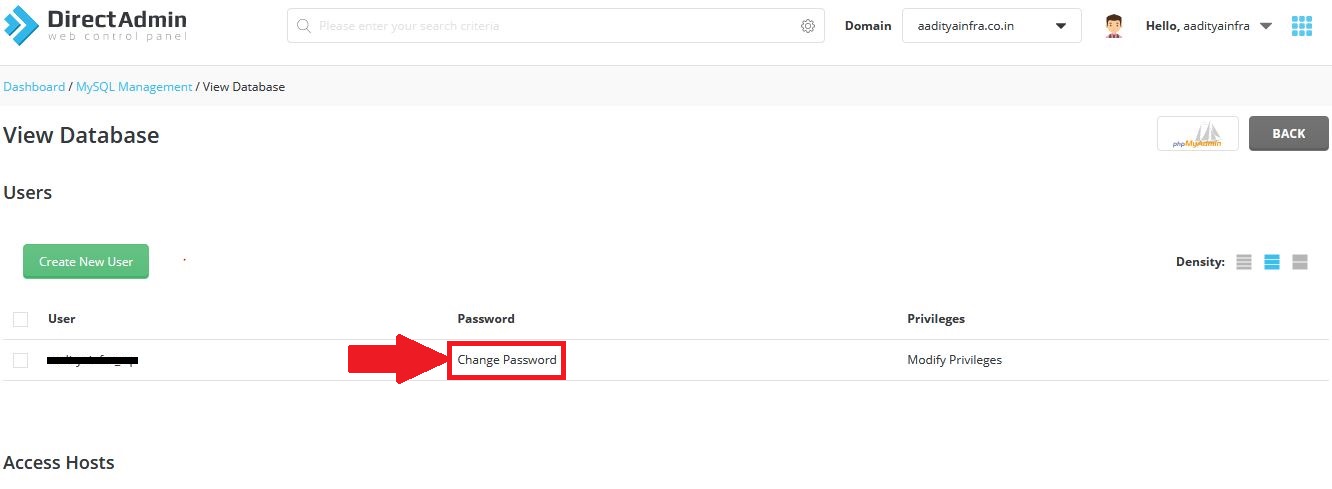
4. Now list of user who can access that database will be shown. Click on "Change Password" as shown below.
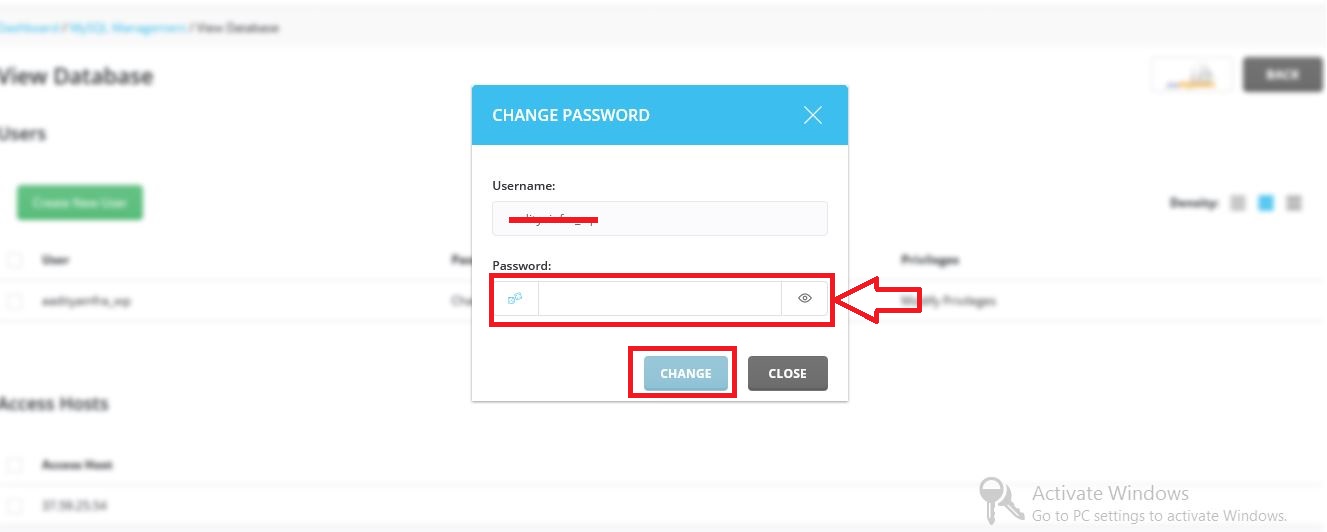
5. Enter your new password and click on "CHANGE".
6. Success Message will be shown. That's all you need to do to change password.
2. In "Account Manager" Section, Click on MySQL Management.
3. Now, the list of Database present in your control panel will be shown. Click on database name of which you want to change password as shown in below image.
4. Now list of user who can access that database will be shown. Click on "Change Password" as shown below.
5. Enter your new password and click on "CHANGE".
6. Success Message will be shown. That's all you need to do to change password.
Was this answer helpful?
Also Read
-
Move files or sub-folders from one folder to another Open or Close
1) Login into your Directadmin panel.2) Select "File Manager" in "System Info & Files"... Read More
-
How to add sub domain in directadmin panel Open or Close
1) Login into your User panel.2) Select "Subdomain Management" in "Account Manager" section.3)... Read More
-
Create FTP accounts in Directadmin Open or Close
1) Login into your "User Panel"2) Select "FTP Management" in "Account Manager" section.3) Click... Read More
-
Switching between Skin/Theme in Direct Admin Open or Close
1. Login in your Directadmin panel.2. Click on right top of your directadmin reseller panel... Read More
-
How to install WordPress in DirectAdmin panel Open or Close
1) Login into your User panel.2) Select "Softaculous Auto Installer" in "Extra Features"... Read More



